Building a Check-In Safety App with AI? 5 Things to Get Right
October 7, 2026 · 1324 words
| TL;DR | |
|---|---|
| Example app | DayTap: tap "I'm OK" once a day; if you miss your window, your chosen contacts are alerted |
| Builder | Developer (software engineer, 8 years; new to iOS) |
| AI tool | Claude Code (Opus 4.5, later Opus 4.6) |
| Stack | Swift iOS app; serverless edge backend with a SQL database; Resend, Twilio, APNs, Telegram Bot API; PostHog; HSM-backed KMS (per the builder's blog) |
| Time to launch | Not disclosed |
| Revenue | Not disclosed (pricing only: free, with a $0.99/month in-app purchase) |
| Source | Show HN, Feb 18, 2026 · builder's blog |
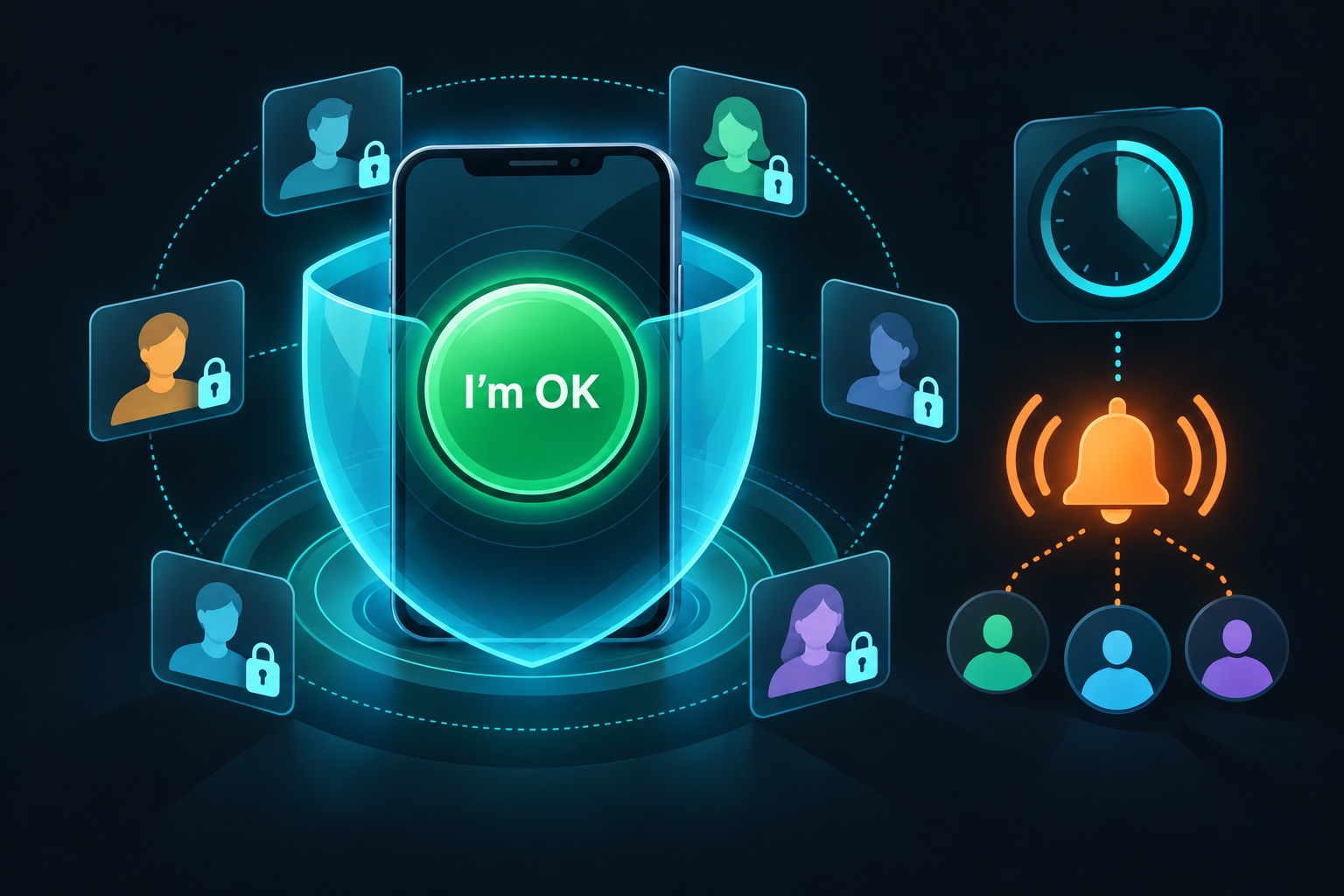
A daily check-in app looks like a weekend project: one button, one timer, one alert. It is not. It holds the names, emails and phone numbers of the people you trust most. And its one job, sending an alert when you go quiet, has to work on the worst day of your life.
That makes it a great test case for vibe coding. So this post uses one app of this type, DayTap, as the example. DayTap's builder wrote up the design in unusual detail. For each item below, I'll cover what this app type must get right, then what DayTap's builder says was done.
The one point of this post: for a safety app, "it works" isn't enough; the data design and the alert reliability are the product.
Building an app like DayTap?
DayTap is a free iOS app. You tap "I'm OK" once a day. If you miss the window you set, such as 48 hours, it notifies your contacts. A $0.99 monthly in-app purchase unlocks more contacts; the homepage says up to 10.
The builder, Andrew Mitchell, is a software engineer with 8 years of experience who was new to iOS. The Show HN post says the app was largely built with Claude Code's help.
The build blog shows how. Mitchell ran Claude Code with Opus 4.5, then Opus 4.6, and wrote a custom "product-team-review" skill that spun up subagents playing seven roles, including a security engineer. An "implement" skill followed a plan, code, pull request flow, with a human approval at each gate.
5 things this app type must get right
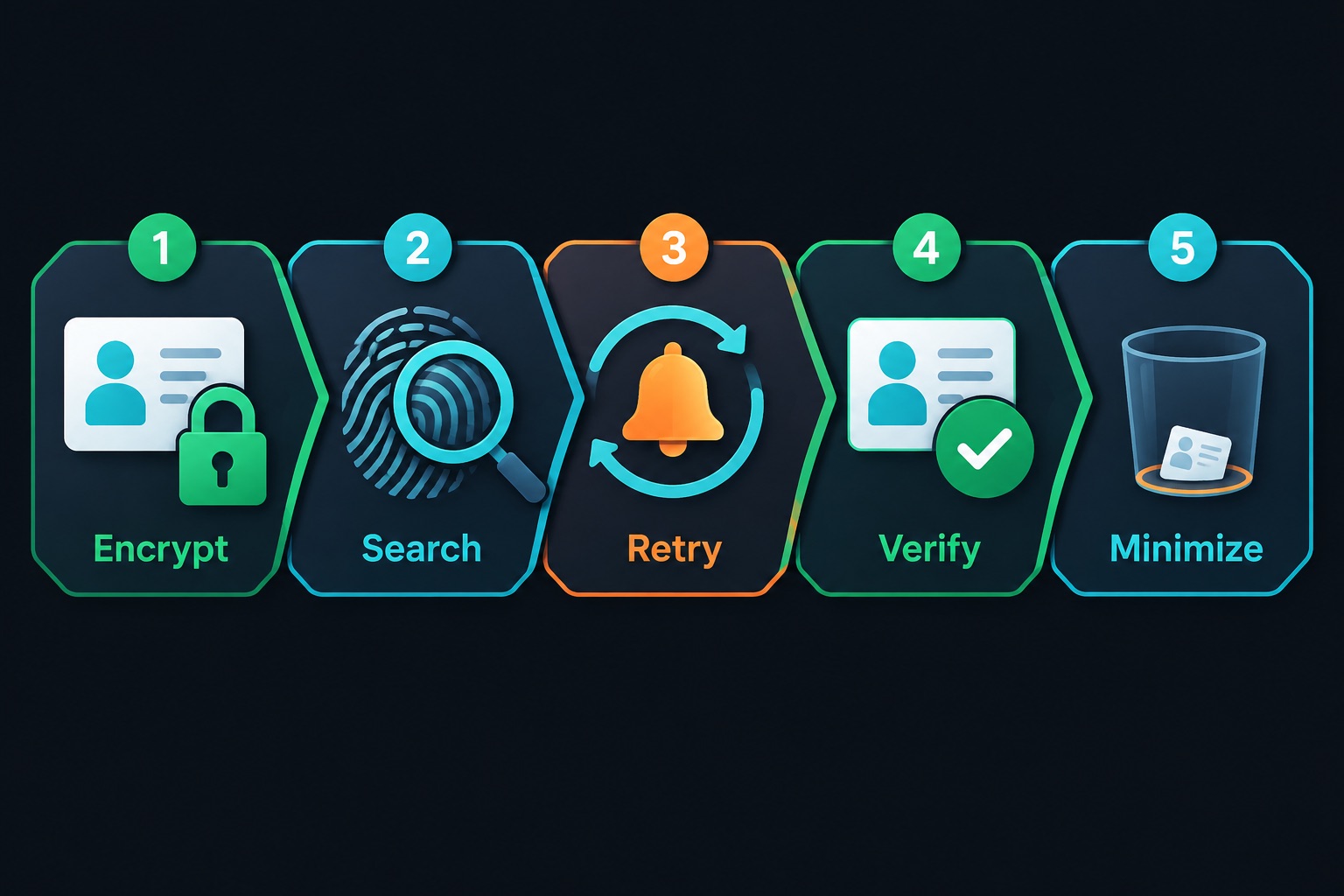
1. Encrypt contact details so one breach isn't enough
What the app type needs: contact names, emails and phone numbers are personal data (PII). If your database leaks and the keys sit next to it, encryption does little.
What DayTap's builder says was done: envelope encryption. Each sensitive value gets its own AES-256-GCM data key. That data key is then wrapped by a master key. The master key lives in an HSM-backed key service at a different cloud provider than the database. An HSM is tamper-resistant hardware that keeps keys from ever leaving it.
"This means the most realistic path to obtaining the plaintext data would require a compromise of the accounts at two separate cloud providers." — Andrew Mitchell, DayTap blog
2. Make encrypted data searchable without decrypting it
What the app type needs: you still need lookups, like "is this email already a guardian?" Decrypting every row to search is slow and risky.
What DayTap's builder says was done: blind indexes. A blind index is a keyed hash stored next to the encrypted value, so you can match on it without seeing the original. DayTap's version splits trust across two services. One computes an HMAC with its own secret. A separate function then applies Argon2id, a deliberately slow, memory-heavy hash, with its own secret pepper. Only a truncated prefix is stored.
3. Make the alert survive failures
What the app type needs: a missed alert is the worst bug this app can have. Email APIs time out. SMS providers go down. A single fetch in a cron job is not enough.
What DayTap's builder says was done: four asynchronous workflows, for alerts, all-clear messages, reminders and guardian verification. They have automatic retries and state persistence. Channels include email (Resend), SMS (Twilio), push notifications (APNs) and Telegram.
4. Verify contacts before you message them
What the app type needs: if anyone can add any phone number as a "contact," your app becomes a free spam cannon. You also shouldn't alert people who never agreed to be contacts.
What DayTap's builder says was done: a dedicated verification workflow for new guardians. The exact flow isn't public, so copy the idea, not a guessed implementation.
5. Keep as little as possible
What the app type needs: check-in history is sensitive. It shows when someone is home, awake or unwell.
What DayTap's builder says was done: only the latest check-in data point is kept. The landing page has no analytics. The iOS app sends anonymized PostHog events.
If you vibe-code this
If you ask an AI for "a check-in app with emergency contacts," you'll often get plaintext columns and a lookup on the raw email. Here is the BEFORE and a simpler AFTER than DayTap's split-service design. It's a solid first step.
BEFORE:
// Plaintext PII, searchable by anyone who can read the table
await db.insert(guardians).values({ userId, email });
const found = await db.select().from(guardians)
  .where(eq(guardians.email, email));
AFTER:
import { createHmac } from "node:crypto";

// Key lives in your secret store or KMS, never in the database
const INDEX_KEY = Buffer.from(process.env.BLIND_INDEX_KEY!, "base64");

function blindIndex(email: string): string {
  return createHmac("sha256", INDEX_KEY)
    .update(email.trim().toLowerCase())
    .digest("hex")
    .slice(0, 32);
}

await db.insert(guardians).values({
  userId,
  emailCipher: await encryptField(email), // your envelope-encryption helper
  emailIndex: blindIndex(email),          // lookup value, not the email
});
const found = await db.select().from(guardians)
  .where(eq(guardians.emailIndex, blindIndex(email)));
Curl test (on your own staging API only). Create two test accounts. Then ask for user B's contact while logged in as user A:
curl -s -o /dev/null -w "%{http_code}\n" \
  -H "Authorization: Bearer $USER_A_TOKEN" \
  https://staging.your-app.com/api/guardians/USER_B_GUARDIAN_ID
# Expect 403 or 404. A 200 means any user can read anyone's contacts.
Your checklist:
- Encrypt contact PII, with keys stored away from the database. See environment variable security.
- Check that every contact route belongs to the logged-in user. See IDOR and authorization.
- Rate-limit "add contact" and "send test alert." See API rate limiting.
- Store tokens on the phone in the Keychain, not plain storage. See secure storage on mobile.
- Get auth right before anything else. See secure authentication.
Building a safety or health-adjacent app with AI and want a second look before launch? Email me at [email protected] for a security audit.
Key takeaway
A check-in app is one button on top of sensitive data and a promise to act. DayTap's builder treated both as the core of the product and used Claude Code inside a review process of the builder's own design. If you build one, spend your prompts on encryption, verification and retries, not on the button.
More case studies: Vibe-coded apps making money · Security basics: Vibe coding security guide
Sources
- mitch292, "Show HN: DayTap – A privacy-first dead man's switch iOS app," Hacker News, Feb 18, 2026: https://news.ycombinator.com/item?id=47061012
- Andrew Mitchell, DayTap build write-up: https://blog.bymitch.com/posts/daytap/
- DayTap homepage (checked September 2026): https://daytap.app
- DayTap on the App Store (checked September 2026): https://apps.apple.com/app/daytap-daily-check-in/id6758257905