How Wet Bulb Tracker Was Built with Claude Code: Stack and Pricing
October 7, 2026 · 1396 words
| Item | Detail |
|---|---|
| What it is | iPhone app (plus widgets and Apple Watch) that tracks wet-bulb heat stress and sends alerts at higher risk levels |
| Builder | Solo maker; background not disclosed (designed the UI in Figma) |
| AI tool | Claude Code, for the heat-stress math model |
| Stack | Swift (iOS, widgets, watchOS); weather forecast data; WBGT formulas |
| Time to launch | Not disclosed |
| Revenue | Not disclosed (pricing page only: $2.99/yr or $9.99 one-time, US App Store) |
| Source | Show HN, September 27, 2026 |
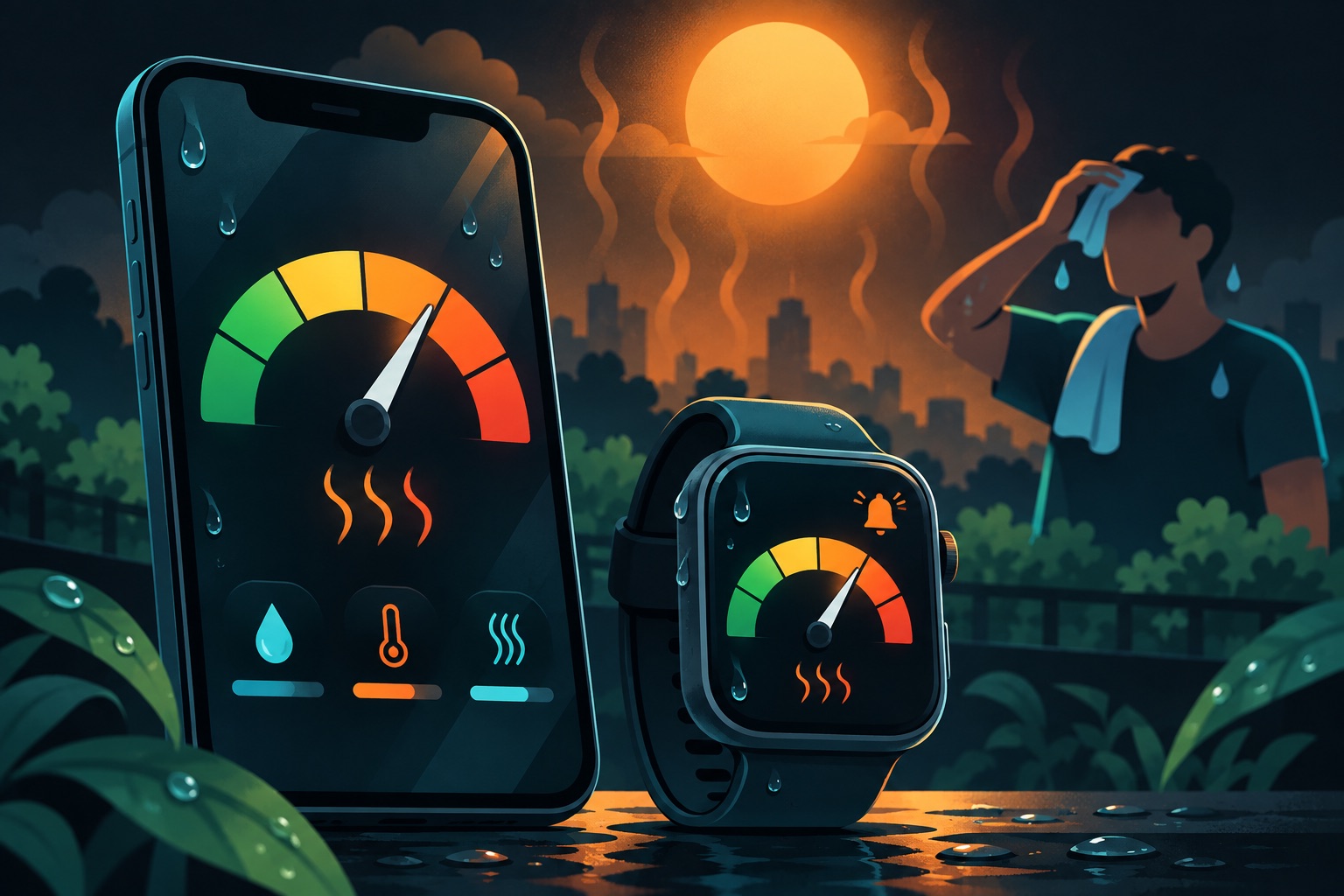
Wet Bulb Tracker is an iPhone app that warns you when humid heat gets dangerous. It shows a color-coded risk level, an hourly timeline and tips for staying cool. The maker says the hardest part, the heat-stress math, came from Claude Code. The app is free, with an upgrade at $2.99 a year or $9.99 once.
Revenue is not disclosed. This teardown covers what is public: the problem, the build, the pricing and the first feedback.
The one point to take away: AI can write the scientific formula, but you still own whether the number is right.
The problem: heat that feels worse than the thermometer says
The maker describes a change close to home. Hot, dry summers used to peak in May and June. Now, July to September feels muggy and heavy, even at the same temperature.
That is where wet-bulb temperature comes in. Wet-bulb temperature is the lowest temperature a wet surface can reach by evaporation. In plain terms, it measures how well sweat can cool your body. Humid air makes sweat work badly, so the same 30°C feels much hotter.
The app focuses on WBGT (Wet Bulb Globe Temperature). WBGT combines humidity, air temperature, sun and wind into one heat-stress number. The popular "feels like" heat index is a different calculation with a different purpose.
The maker's goal, in the post, was to give the average home user a heads-up before conditions turn risky.
How it was built
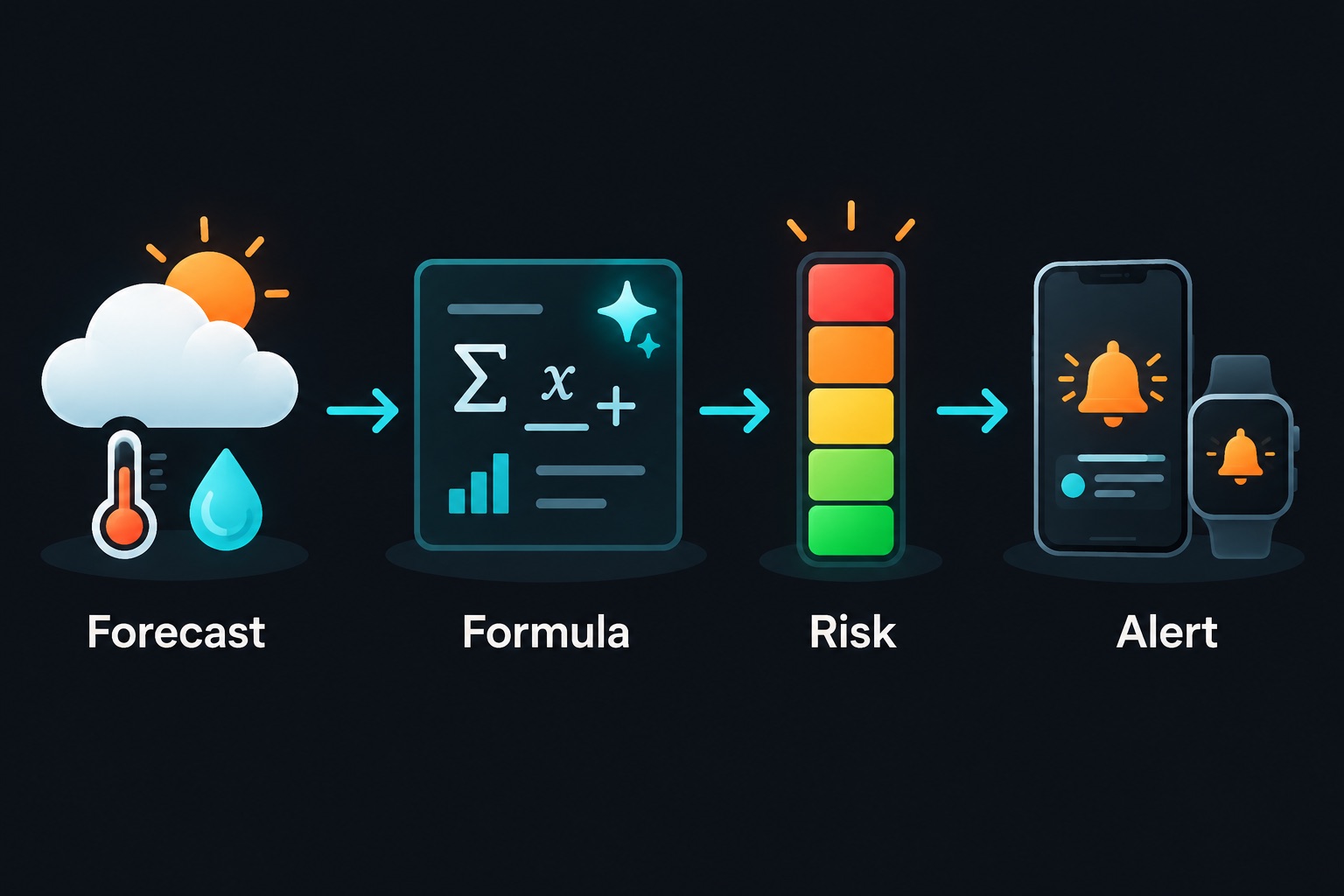
The app is written in Swift, Apple's app language, and runs on iPhone, Apple Watch, Mac and Vision Pro. It pulls weather forecast data and turns it into a WBGT number.
The math is the hard part. WBGT normally needs a special "globe" thermometer that measures heat from the sun. Most weather feeds don't include that reading, so apps estimate it with published formulas.
Here the AI claim is direct. The maker's one-line summary: "The math model implementation I couldn't have built without AI." The post says Claude Code built a hybrid of two published methods, Liljegren and Dimiceli/Piltz, each covering part of the WBGT equation.
The current App Store listing words it a little differently. It says the app follows the US National Weather Service's forecast method: a psychrometric solve for wet bulb (a standard humidity calculation), plus the Dimiceli and Piltz globe model. Either way, the formula work is where AI did the heavy lifting.
The human work was elsewhere. The maker spent a lot of time iterating on the design in Figma, a design tool, aiming to make WBGT feel like a health signal, not just another temperature. The app shows five color-coded risk levels, based on published categories from bodies such as OSHA, military guidance and government ministries.
How it makes money
The app is free to download. An upgrade called WetBulb+ unlocks the extras.
| Option | Price (US App Store) | What it unlocks |
|---|---|---|
| Free | $0 | The core app (the listing marks the six-day forecast and Watch app as premium) |
| WetBulb+ Annual | $2.99 per year | Six-day forecasts, Apple Watch app; the developer's site also lists widgets and more data sources |
| WetBulb+ One Time | $9.99 once | Same extras, no renewal |
These prices are very low. $2.99 a year is less than a coffee. The one-time option equals a bit over three years of the annual plan.
Low prices like this suit a narrow utility app. The pitch is "cheap insurance for summer", not a daily habit you pay monthly for. It also lowers the bar for people to try the premium features.
There is a trade-off. At $2.99 a year, you need many buyers to cover even small costs. Apple's cut, and any paid data feed, come out of that. The maker has not shared numbers, so we can't say how that balances out.
First users and first feedback
The public launch record is the Show HN post from September 27, 2026. The listing shows version 1.2.6 and two ratings so far, so this is early.
One commenter asked for a warning the night before, not at 2pm when they are already outside. The maker's reply is a good lesson. Early versions did send day-before alerts. But forecasts update constantly, and even past-hour weather data changes as it arrives. Advance alerts became a balance of accuracy, annoyance and iOS scheduling limits.
So the maker chose alerts that fire as conditions happen, plus a timeline you can check ahead. That is a product decision made from real data behavior, not from the first idea.
The developer's site says an Android version is coming soon.
What to copy
- Solve a problem you feel. The maker noticed local summers changing and built for that.
- Explain one confusing number well. Most of the work went into making WBGT understandable at a glance.
- Let AI handle the formula, then check it. Published formulas are a great AI task, because you can test the output.
- Add a clear disclaimer. The listing says the app is informational and not a substitute for official warnings or medical advice.
- Price small for a narrow tool. A low one-time option removes the subscription objection.
If you vibe-code this
This app type is a weather and health-alert app with location, push notifications and in-app purchases. Here are the checks I'd run on any app like it:
- Test AI-written math against known values. Check the formula against published reference tables. Add "physics sanity" tests that must always pass.
- Ask for coarse location only. A heat alert doesn't need your exact street. This app's listing shows coarse location only, which is a good pattern.
- Keep weather API keys on a server. Never ship a paid data key inside the app. See environment variables security.
- Rate-limit your data proxy. If your server calls a weather API for users, cap requests per user. See API rate limiting.
- Validate every input to your API. Latitude, longitude and dates should be checked before use. See input validation with Zod.
Here is a simple sanity test for a wet-bulb function you or your AI wrote:
import XCTest
@testable import HeatApp

final class WetBulbTests: XCTestCase {
    // Physics checks the formula must always pass
    func testWetBulbNeverExceedsAirTemp() {
        for temp in stride(from: 10.0, through: 45.0, by: 5.0) {
            for rh in stride(from: 10.0, through: 100.0, by: 10.0) {
                let wb = WetBulb.psychrometric(tempC: temp, humidity: rh, pressureHPa: 1013.25)
                XCTAssertLessThanOrEqual(wb, temp + 0.01)
            }
        }
    }

    func testSaturatedAirEqualsAirTemp() {
        // At 100% humidity, wet bulb should match air temperature
        let wb = WetBulb.psychrometric(tempC: 30, humidity: 100, pressureHPa: 1013.25)
        XCTAssertEqual(wb, 30, accuracy: 0.2)
    }
}
Shipping an app that gives people safety numbers? Email [email protected] for a vibe-code security audit before launch.
Key takeaway
Wet Bulb Tracker shows a smart split of work. The AI implemented published science, and the human focused on design, risk levels and honest disclaimers. If your app shows numbers people act on, test the AI's formulas as seriously as you test your login.
More case studies: Vibe-coded apps making money · Security basics: Vibe coding security guide