How Webase Was Vibe-Coded with Claude Code: Stack and Pricing
October 7, 2026 · 1271 words
| Fact | Value |
|---|---|
| What it is | AI platform to plan, build and launch web apps: app generation, project management and outreach in one place |
| Builder | Developer: Harris Reynolds, whose 2007 master's project was a web app for building web apps |
| AI tool | Claude Code (lead developer) + Codex (code reviewer) |
| Stack | Generated apps are React with built-in auth and database; MCP connections to Claude, ChatGPT and Codex. Webase's own hosting, database and payments: not disclosed |
| Time to launch | 4 weeks of nights and weekends |
| Revenue | Not disclosed. Free tier plus $29 one-time, $29/month and $49/month plans (pricing only) |
| Source | Indie Hackers, March 2026 |
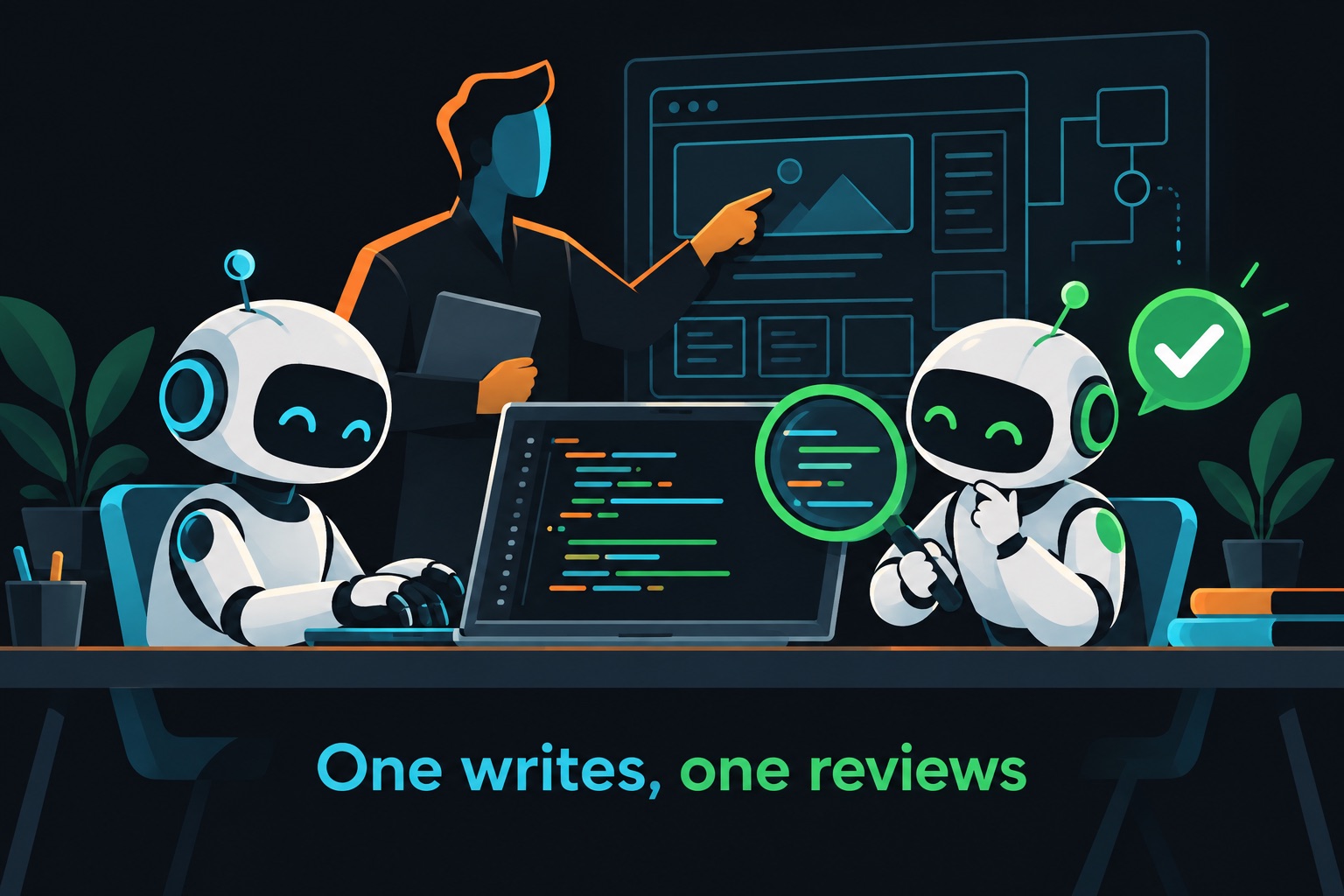
Harris Reynolds built Webase, a platform that generates working web apps from plain-English descriptions, in four weeks of nights and weekends. He used two AI coding agents with separate jobs. Claude Code wrote the code. Codex reviewed it.
His summary on Indie Hackers:
"And I didn't write a single line of code." — Harris Reynolds, via Indie Hackers
Revenue isn't disclosed. What makes this worth studying is the workflow stack: how one experienced developer split the work between two agents and himself. Where the founder didn't share a detail, the table below says so.
The stack, layer by layer
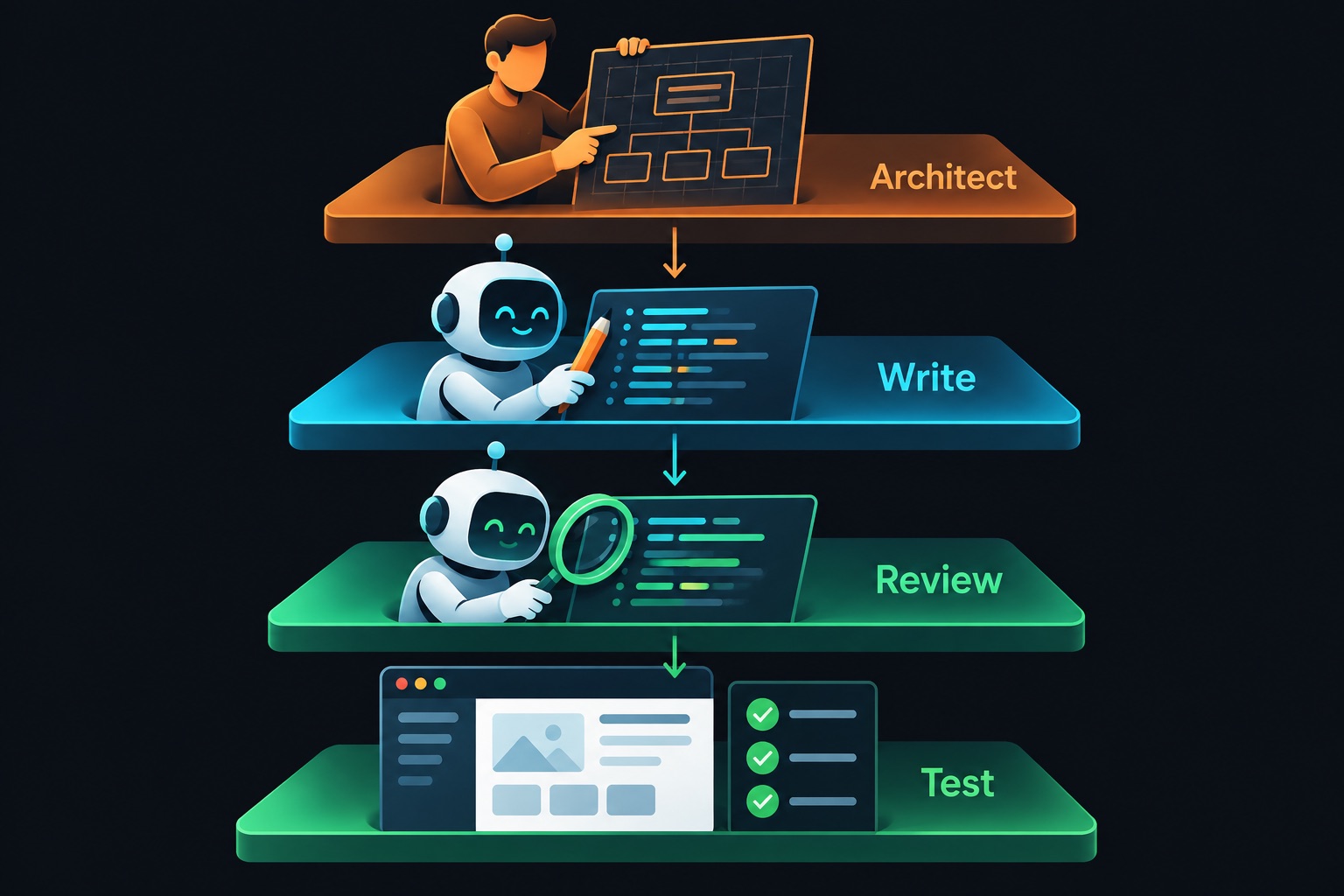
| Layer | Choice | What it does |
|---|---|---|
| Lead developer | Claude Code | Anthropic's terminal coding agent; wrote most of the platform |
| Code reviewer | Codex | OpenAI's coding agent; reviewed Claude Code's work |
| Architect | Harris (human) | System design, prompts, tests, final calls |
| Generated apps | React | What Webase outputs for its users |
| Auth + database in generated apps | Built in | Provider not disclosed |
| Agent connections | MCP | Links its project planner to Claude, ChatGPT or Codex |
| Webase's own hosting, DB, payments | Not disclosed | — |
MCP (Model Context Protocol) is a standard way for AI assistants to call outside tools. Here it lets your own AI agent read and update Webase's project plans.
The product itself has three parts, per the homepage: App Gen (describe an app, get a React app with login, data and deployment), Project Management (roadmaps and feature suggestions), and Outreach (templated, personalized messages to customers).
Monthly cost: not disclosed
Harris didn't share what he pays for Claude Code, Codex, hosting or model usage. I won't estimate it.
What we do know is what he charges. As of September 2026, the homepage lists:
| Plan | Price | Includes |
|---|---|---|
| Sandbox | Free | 1 app, AI-powered building |
| Starter Pack | $29 one-time | Unlimited apps, Opus + Sonnet model access |
| Builder | $29/month | 5 apps, data, auth |
| Pro | $49/month | 25 apps, "Autopilot" features |
Annual billing gives two months free. The dedicated pricing page returned a server error when I checked, so these come from the homepage. The Starter Pack line (a one-time price with unlimited apps, next to a $29/month plan with 5) reads oddly, and I couldn't confirm its exact terms on a working pricing page, so treat that row as unconfirmed.
Why each choice
Harris's post explains the thinking in four lessons. Here they are in plain terms.
- One agent writes, another reviews. Using a second model as reviewer catches mistakes the first one is blind to. It's the AI version of a pull-request review.
- Structured outputs are huge. Structured output means forcing the AI to answer in a fixed format, like JSON with named fields. A platform that auto-generates roadmaps and features needs answers a program can parse every time.
- Prompts should be huge. Modern models accept very long context. He argues for long, detailed instructions rather than short requests.
- Cheap code needs lots of tests. When writing code costs almost nothing, a full test suite is what keeps it from breaking. Webase also runs automated tests on the apps it generates.
What the AI wrote vs what the human did
The AI wrote the code. Per the post, Claude Code and Codex together built most of the platform, and Harris wrote none of it by hand.
But Harris didn't start from zero. His 2007 master's project at Auburn University was "a web application to build web applications," essentially an early no-code tool. He later built an earlier version of Webase by hand. So he already knew the architecture when AI agents became good enough.
His fourth lesson says it directly: developers are becoming architects. The human job shifts to deep context, system design and deciding what to build.
That's the honest caveat for beginners. "I didn't write a line of code" is true here. It isn't the same as "no experience needed." Nearly two decades of thinking about this exact kind of product shaped every prompt.
What to copy from this stack
- Give each agent one job. A writer and a separate reviewer beat one agent doing both. If you only have one tool, start a fresh session and ask it to review the diff as a skeptic.
- Ask for structured output whenever code will read the answer. Free-form text breaks parsers. A fixed JSON shape doesn't.
- Write long prompts with real context. Paste the spec, the data model and the rules. Short prompts get generic code.
- Add tests before you add features. When the AI writes code in seconds, tests are how you know it still works tomorrow.
- Rebuild something you already understand. Harris rebuilt a product he had designed twice before. Your first AI-built product should be in a domain you know well.
If you vibe-code this
A platform that generates and hosts apps for many customers is multi-tenant: many users' data lives side by side. Here are checks for this type of app. They are general, not findings about Webase.
- Isolate tenants in the database. Every row should belong to one app or team, enforced by the database, not just the UI. See Supabase RLS for vibe coders.
- Guard what the AI installs. Generated apps pull packages; AI agents sometimes invent package names that attackers register. See supply chain security.
- Lock down MCP connections. An MCP link lets an outside agent act on user data. Scope it tightly. See MCP security tools.
- Keep each generated app's secrets separate. Never share one master key across customer apps. See environment variables security.
A tenant-isolation policy in Postgres (Supabase style):
alter table app_records enable row level security;

create policy "members of this app only" on app_records
  for all
  using (app_id in (select app_id from app_members where user_id = auth.uid()))
  with check (app_id in (select app_id from app_members where user_id = auth.uid()));
Building a multi-tenant product with Claude Code? Email [email protected] for a security audit before your first customers arrive.
Key takeaway
Webase's stack is less about frameworks and more about roles: Claude Code writes, Codex reviews, and an experienced human architects and tests. Revenue and infrastructure aren't public, but the workflow is one any solo builder can copy.
More case studies: vibe-coded apps making money. Before you launch, read the vibe coding security guide.
Sources
- Indie Hackers post by Harris Reynolds: https://www.indiehackers.com/post/i-built-a-vibe-coding-platform-in-4-weeks-8ac8b34ecd
- Webase homepage and pricing: https://www.webase.com/
- Webase pricing page (returned an error on check): https://www.webase.com/pricing