Disclosed.Online Postmortem: Two Supabase Holes in a Vibe-Coded App
September 29, 2026 · 1195 words
| Field | Detail |
|---|---|
| What it is | Disclosed.Online: a free directory of public bug-bounty researcher profiles, pulling data from HackerOne, Bugcrowd, GitHub and more |
| Builder | Unknown coding background (Harley Kimball, a security professional) |
| AI tool | Lovable and Cursor |
| Stack | Lovable/Cursor front end, Supabase (Postgres database + Auth) |
| Time to launch | 3 days |
| Revenue | None — free directory (not disclosed; no pricing on the site) |
| Source | Author's thread, June 2025 |
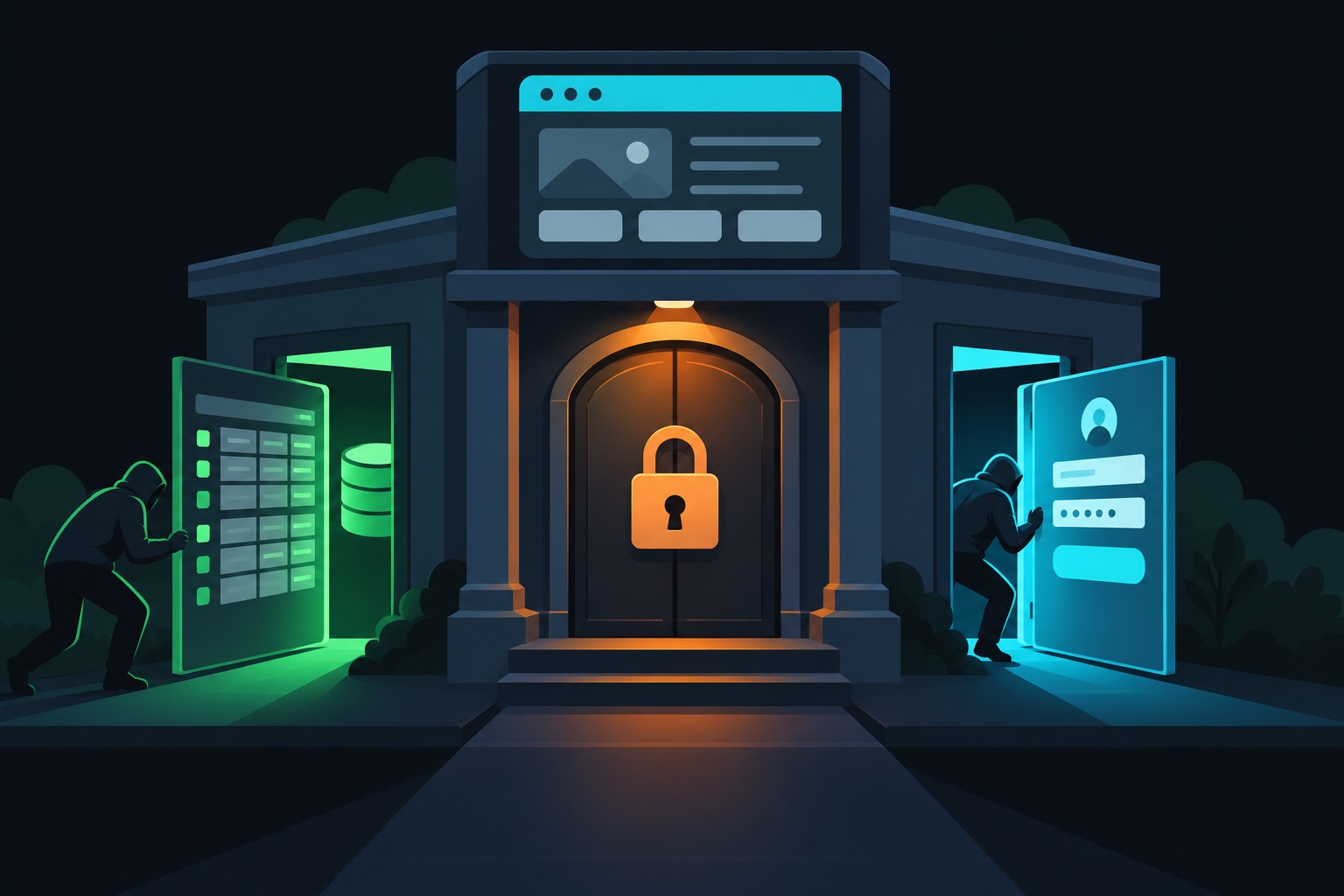
Harley Kimball vibe-coded Disclosed.Online in three days with Lovable and Cursor. Within days of launch, two researchers found two separate security gaps and reported them privately. He fixed both and then wrote up exactly what went wrong.
That write-up is one of the clearest vibe-coding postmortems I've seen. It's short, technical and honest. And the builder is a security professional, which makes the lesson land harder.
The core point: on Supabase, hiding something in the UI or behind a view is not the same as locking it in the database.
What he built
Disclosed.Online is a directory. It gathers public profiles of bug-bounty researchers (people paid by companies to find security bugs) from platforms like HackerOne, Bugcrowd and GitHub. The site is free, and it sits next to his free weekly newsletter, Disclosed.
The stack was simple. Lovable and Cursor generated the app. Supabase provided the database and user accounts. Supabase is a hosted Postgres database that your front end can talk to directly, protected by RLS. RLS (Row Level Security) is a set of database rules that decide which rows each visitor can read or change.
What he expected
The data was mostly public already. So the plan was a read-only directory for visitors.
He also wanted to keep email addresses out of public view. To do that, he created a Postgres view: a saved query that looks like a table. The view left out the email column. It felt like a safe, tidy way to show only the public fields.
He had also removed the self-sign-up option from the front end. Visitors shouldn't be creating accounts.
What happened
Hack 1, within about a day of launch. A researcher found they could insert, update and delete directory records. RLS was on, and the front end was read-only, yet writes still went through. They reported it through responsible disclosure (telling the owner privately first).
Hack 2, soon after. A second researcher registered an account with email and password. The sign-up button was gone from the UI, but Supabase's sign-up API was still switched on. They could create new profiles, though not edit or delete existing ones. They also reported it privately.
He fixed both quickly. For the first, he revoked access to the view and restructured how the app queried the data. For the second, he turned off sign-ups in Supabase Auth settings.
The real reason
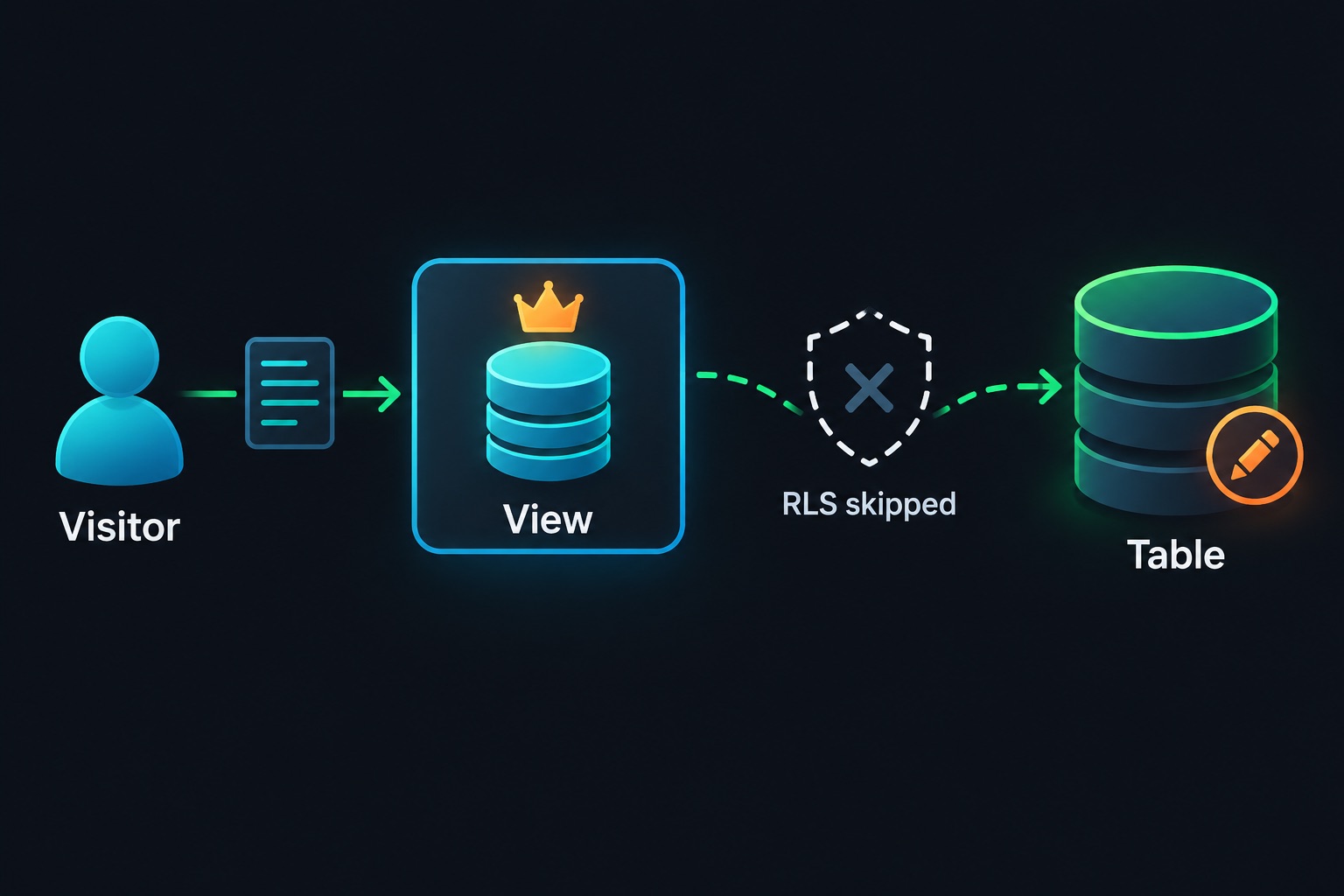
Neither hole came from a "bad prompt." Both came from defaults that surprise almost everyone.
Views run with their owner's rights by default. In Postgres, a view normally executes as the user who created it. On Supabase, that's usually an admin role that skips RLS. Simple views are also "auto-updatable," so writes pass straight through to the table. Unless you set security_invoker, the view quietly ignores the RLS rules you wrote for the table.
A hidden button is not a disabled feature. Supabase Auth exposes a sign-up endpoint (a URL the app calls to create accounts). Removing the form doesn't remove the endpoint. Anyone with your public project key can call it.
His own summary is worth repeating:
"Vibe coding ships fast, but security holes are the default." — Harley Kimball
He also pointed out the upside of threat modeling (thinking through who might attack and what they'd gain). Because the directory held public data, the damage was limited. An app holding private data would face much worse outcomes from the same two mistakes.
What to do instead
- Treat every view as a door into its table. Set
security_invoker = trueor keep views away from public roles. - Hide columns with permissions, not views. Postgres column grants control exactly which fields a role can read.
- Turn off every auth method you don't use. Check sign-up, magic links and OAuth providers in the Supabase dashboard.
- Test like an outsider. Use your public key and try to write, sign up and read hidden fields.
- Match effort to data sensitivity. Public data can ship fast. Private data needs a review first.
If you vibe-code this
A directory on Supabase is one of the most common vibe-coded app types. These checks apply to any app like it. They are general guidance, not a comment on the site as it is today.
- RLS on every table, with explicit policies for select, insert, update and delete. See Supabase RLS for vibe coders.
- No unsafe views. Views exposed to
anon(logged-out visitors) must usesecurity_invoker. - Column grants for private fields like email, not just a view that skips them.
- Unused auth disabled. Sign-ups off if only admins log in. See secure authentication for vibe coders.
- No trust in UI-only restrictions. Server checks decide access. See middleware auth bypass.
Here's the database side of the fix, with example table names:
-- Hide private columns at the table level
revoke select on public.researchers from anon;
grant select (id, handle, bio) on public.researchers to anon;

-- Make the view obey the caller's rights and RLS (Postgres 15+)
alter view public.researchers_public set (security_invoker = true);

-- Logged-out visitors can only read through the view
revoke insert, update, delete on public.researchers_public from anon;
Shipped a Supabase app and not sure your views or auth settings are tight? Email [email protected] for a security audit.
Key takeaway
A security pro, three days, two popular AI tools, and two holes found almost immediately. The takeaway isn't "don't vibe code." It's that Supabase views and auth endpoints have defaults you must change on purpose. Check them before launch, not after the first disclosure email.
More case studies: Vibe-coded apps making money · Before you launch: Vibe coding security guide
Sources
- Harley Kimball's thread, "I vibe coded and shipped an app in three days. It got hacked. Twice." (June 1, 2025): https://threadreaderapp.com/thread/1929017755136561402.html
- Hacker News discussion (84 points): https://news.ycombinator.com/item?id=44157131
- Disclosed.Online: https://disclosedonline.com
- Disclosed newsletter: https://getdisclosed.com